
Cumberland County Court Calendars Explained
Cumberland County runs on the statewide eCourts Portal plus separately published civil and criminal calendars. Each tool answers a different question. A Case Summary or Register of Actions lays out the history of a public Cumberland case. Portal Search Hearings is built for one live fact: the date, time, location, Cumberland courtroom, or judicial officer. A published Cumberland court calendar PDF or web listing adds session and docket-call context. It can be revised at any point. Close to the appearance, the courthouse's real-time digital docket display system is the last local layer. It is handy for wayfinding once you are in the building.
Begin at the public NC eCourts Portal and keep the Cumberland case number close. Cumberland's county court page links the separate calendar channels. Remember that the Cumberland County eCourts Portal and each calendar are public information tools, not an official court order.
Search Hearings: Cumberland’s Current Date-and-Courtroom Lookup
Search Hearings is the right Portal function when you want a setting, not the whole docket history. It accepts a Cumberland case number, a party name, a business name, an attorney name, an attorney bar number, a judicial officer, or a Cumberland courtroom. Pick the Cumberland location first. Then choose a hearing type such as Civil, Criminal, Family, Probate, or Mental Health. Select the search type, enter the matching lookup value, set a date range, and submit.
Say the result raises a deeper question. Why does the setting exist? Did a continuance happen? Open Smart Search after finding the Cumberland hearing, and the earlier Case Events and Dispositions will supply the backstory. A hearing result and the chronological case history should agree in context. Even so, the most current court action governs.
Treat the portal result as a present-date check only. The Cumberland County eCourts Portal guidance says a hearing result does not show virtual or in-person status. A hearing location never authorizes remote appearance by itself. For a recent civil motion, compare the result against the notice and the local Thursday-before-session publication timing. For an older record, a pre-eCourts event may display 12:00 a.m. because of conversion. That time is not a valid Cumberland courtroom appointment.
Finding Your Court Date
When a date really matters, use every documented access channel. That is doubly true if a Portal result looks incomplete or a setting is imminent.
- Use eCourts Portal Search Hearings with Cumberland selected and a supported search type such as Cumberland case number or party name.
- Open Smart Search for the underlying Case Summary and compare the returned hearing with its Case Events, Hearings, and Dispositions.
- Check the current published Cumberland civil or criminal calendar for the session, docket-call, or case-order context.
- On the appearance day, consult the real-time digital docket displays on all five floors of the Braswell Courthouse for Cumberland courtroom information.
- When the channels conflict or information is missing, call the relevant court office or the Cumberland Clerk before relying on an old date.
The online calendar route is free public access. No Portal account is needed for a basic public search. The Cumberland County Clerk handles the local case file and any copy questions.
Portal Search Hearings Versus Cumberland Calendar PDFs
Use Portal Search Hearings for a current, case-focused check on a date, time, Cumberland courtroom, or judicial officer. Use the published calendars for the wider view of a civil or criminal session and its docket context. Neither one promises a case will be called in a given minute or order. Call order varies by Cumberland courtroom or judge. Keep that in mind on the day itself. A Case Summary supplies history, not assurance that a setting held after the search.
Cumberland’s published criminal calendar is one of the official calendar channels.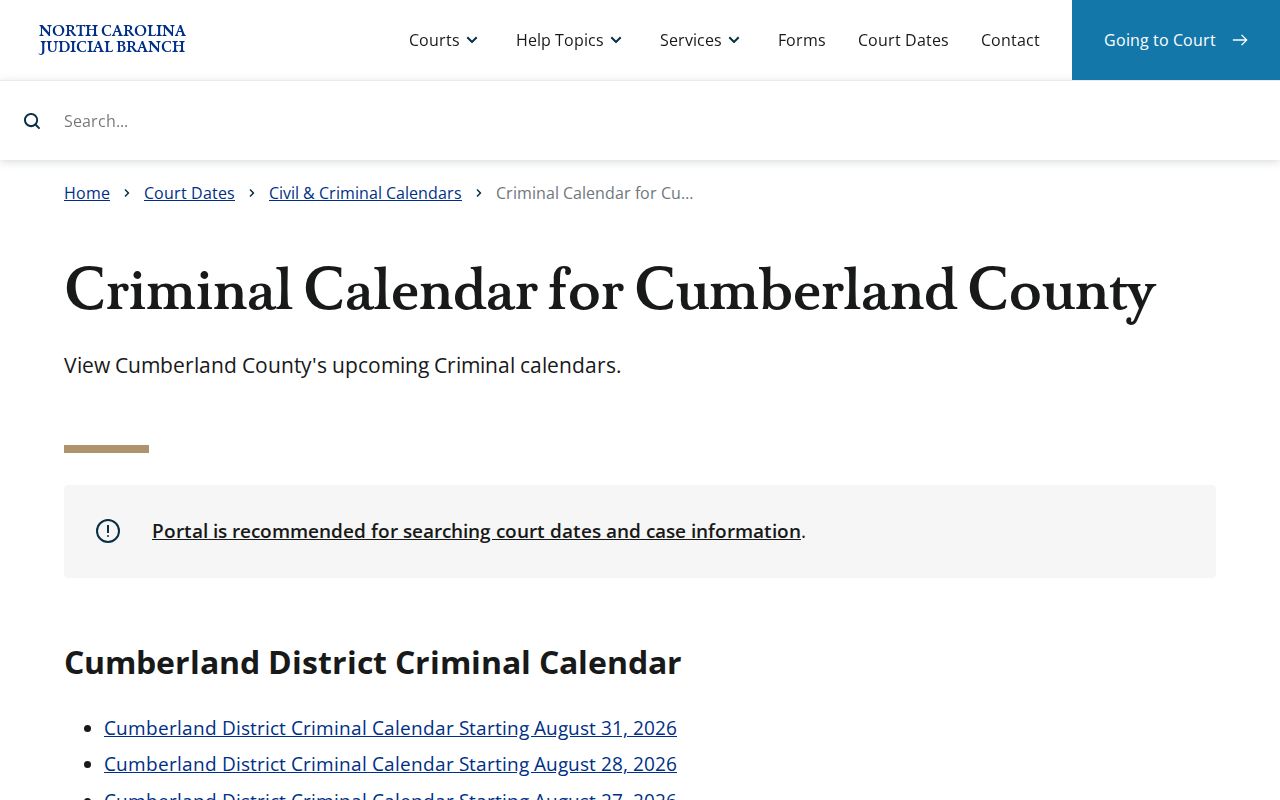
The published view is useful for a court session, while Search Hearings is the more focused tool for a current individual setting.
How to Read a Court Setting
A setting is a scheduled court event, nothing more. It is not necessarily a trial or a final outcome. Read its type, date, time, location, and Cumberland courtroom alongside the Case Summary's event and disposition history. A motion hearing may be time certain. A calendar entry may sit inside a broader civil or criminal session. A domestic time slot comes through Family Court administration. What actually happened is fixed later by the hearing result, the docket entry, and the order.
| Hearing type | Portal supports Civil, Criminal, Family, Probate, and Mental Health categories; the chosen type narrows the lookup. |
|---|---|
| Search type | Case number, party, business, attorney, attorney bar number, judicial officer, or Cumberland courtroom, depending on the search question. |
| Date range | Use Date From and Date To to focus the current Cumberland hearing search rather than infer a future setting from an older event. |
| Location and Cumberland courtroom | Select Cumberland, then confirm any Cumberland courtroom information close to the appearance through the Cumberland court’s current channels. |
| Case context | Use Smart Search to compare the Cumberland hearing with Case Events, Dispositions, and any transfer or continuance history. |
Cumberland’s Thursday-Before-Session Civil Publication Timing
Cumberland's local civil forms contain one timing detail worth memorizing. The Civil Superior Notice of Motion Hearing says the Trial Court Administrator sets hearings time certain and adds them to the Cumberland County eCourts Portal calendar on the Thursday before the session. The Civil District non-domestic form uses the same Thursday-before-session publication point. Search much earlier than that and a real setting may simply not be there yet.
The local general-civil plan keeps the same final-calendar rhythm for District Court case and motion calendars. It states that trial dates are firm. A continuance needs a written request with the specific reason, the other party's consent if any, and the requested new date. Ask within seven working days of a session. Then you must show an unforeseeable exigent cause. The other side then has three working days to object in writing. Even an agreed request is not automatically granted. Until the Cumberland court acts, the result is not confirmed. The original court date is the one to follow.
Cumberland’s local rules and forms page is the official source for these local civil materials.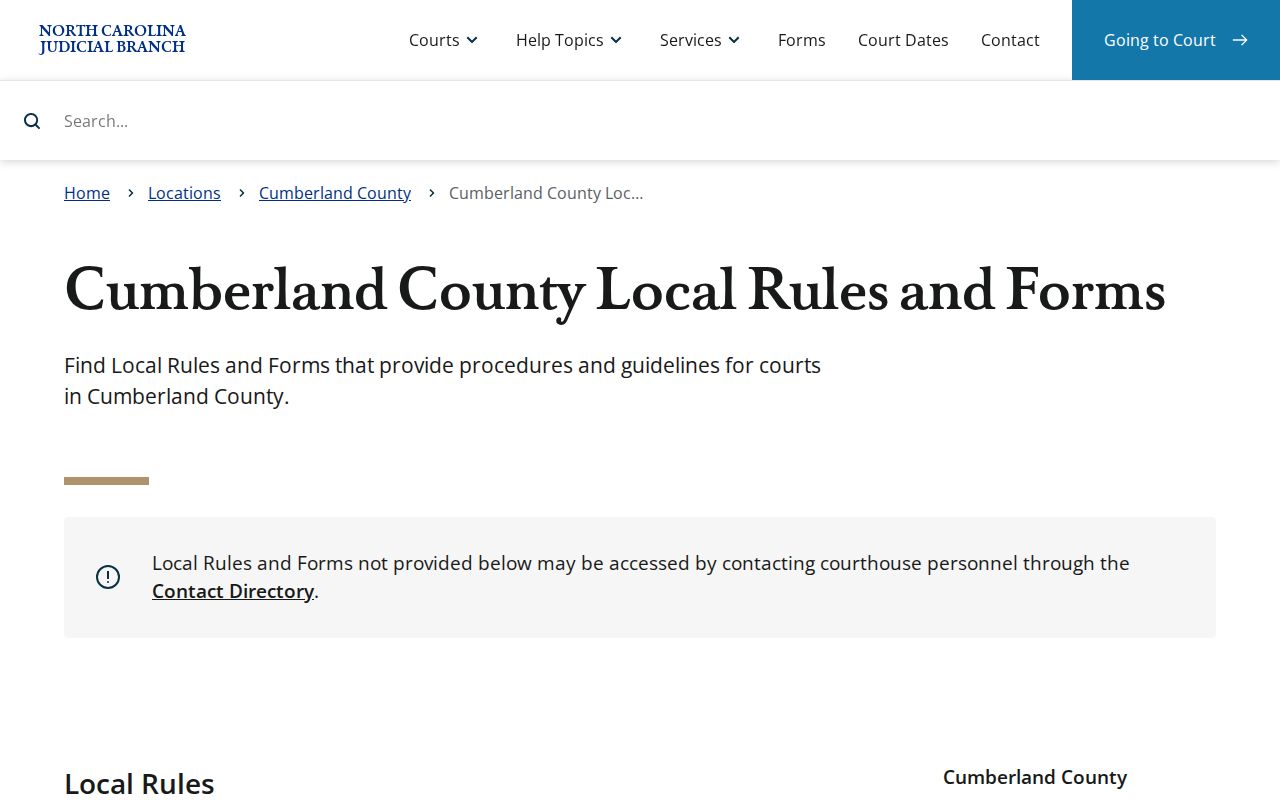
That local publishing schedule is a reason to recheck the Cumberland County eCourts Portal as a civil session approaches.
Continuances, Resets, and Cancellations
Asking for a continuance does not create a new date. That point trips up a lot of people. Under Cumberland's general-civil plan, the request goes to TCA in writing. It must state the reason. It must report whether the other party consents. It must also propose a new date. File within seven working days of a session and you must show an unforeseeable exigent cause. Even an agreed request can be denied. Only the Cumberland court's action and the newly confirmed calendar result show that the setting actually moved.
If a setting was cancelled or reset, check Search Hearings, the Case Summary timeline, and the current civil or criminal calendar. Once you are inside the courthouse, the display helps most. Call the correct office if doubt remains. A missing calendar line does not mean dismissal. Transfer, adjournment, continuance, or simple processing changes can explain the gap.
Cumberland’s Five-Floor Digital Display Check on Court Day
The display is just one link in Cumberland's date-confirmation chain. The full chain runs Portal, calendar, case history, courthouse location, and finally office confirmation.
Cumberland County made an announcement in June 2025. Digital court docket displays were coming to all five floors of the Braswell Courthouse. They show real-time courtroom information and where scheduled cases sit. Wayfinding was the goal. The screens supplement rather than replace. Portal results, published calendars, and Clerk records still carry the weight. Find your date online first. Then the display simply points you to the right courtroom on arrival. They are not a source for a certified record. Nor do they cover a private document or legal instruction.
The Cumberland court contact directory lists the offices to use if confirmation is still needed.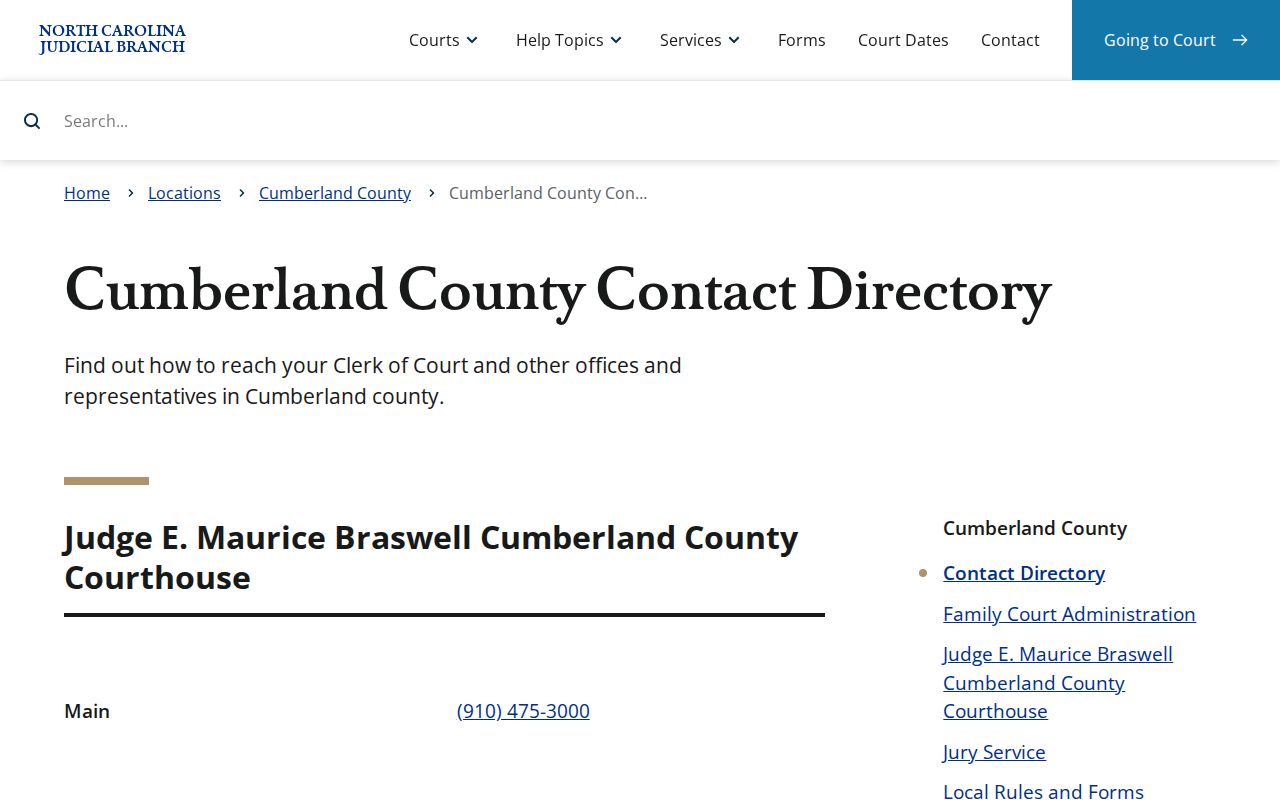
For record or Cumberland case-file questions call the Cumberland County Clerk at (910) 475-3000; scheduling offices are a better route for a setting question.
If You Miss a Court Setting
Act fast. A missed appearance can bring serious, case-specific consequences, and the right response depends on the charge, the case type, any court order, and the current record. Use Search Hearings and Smart Search to identify the Cumberland case and its current status. Then contact the correct Cumberland office. A licensed attorney is the other option. The Cumberland County Clerk can answer local file and record questions but cannot give legal advice or decide the effect of a missed setting.
Missed a setting? Do not assume a printed calendar, a prior notice, or a no-result screen resolves the matter. Confirm the present case status through the Cumberland court’s current channels immediately.
For record issues call the Cumberland Clerk at (910) 475-3000. The Trial Court Administrator is (910) 475-3018; Superior Court Judges’ office is (910) 475-3016; District Court Judges’ office is (910) 475-3012; and Family Court is (910) 475-3015.
Family Court Time Slots and Cumberland Calendaring
Cumberland Family Court Administration keeps Monday through Friday hours of 8 a.m. to 5 p.m., and the office answers at (910) 475-3015. Its local domestic rules put time slots in the hands of a Court Manager II or a Court Coordinator. Nothing gets heard without that calendaring. A judge controls continuances. Good cause is required too. That is why a Portal date is a lookup tool, not a pass to skip the assigned Family Court scheduling process.
The domestic rules also send an unrepresented person to nccourts.gov for date and time information. One rule allows a noticed case to be dismissed for failure to prosecute when people are absent or not ready, and not before 9:30 a.m. No rule predicts a specific case. Still, an assigned time slot deserves respect. Call Family Court about its own scheduling process. Bring case-file questions to the Cumberland County Clerk. Neither office hands out legal advice through the Cumberland court calendar lookup.
Cumberland Family Court Administration provides the official office details.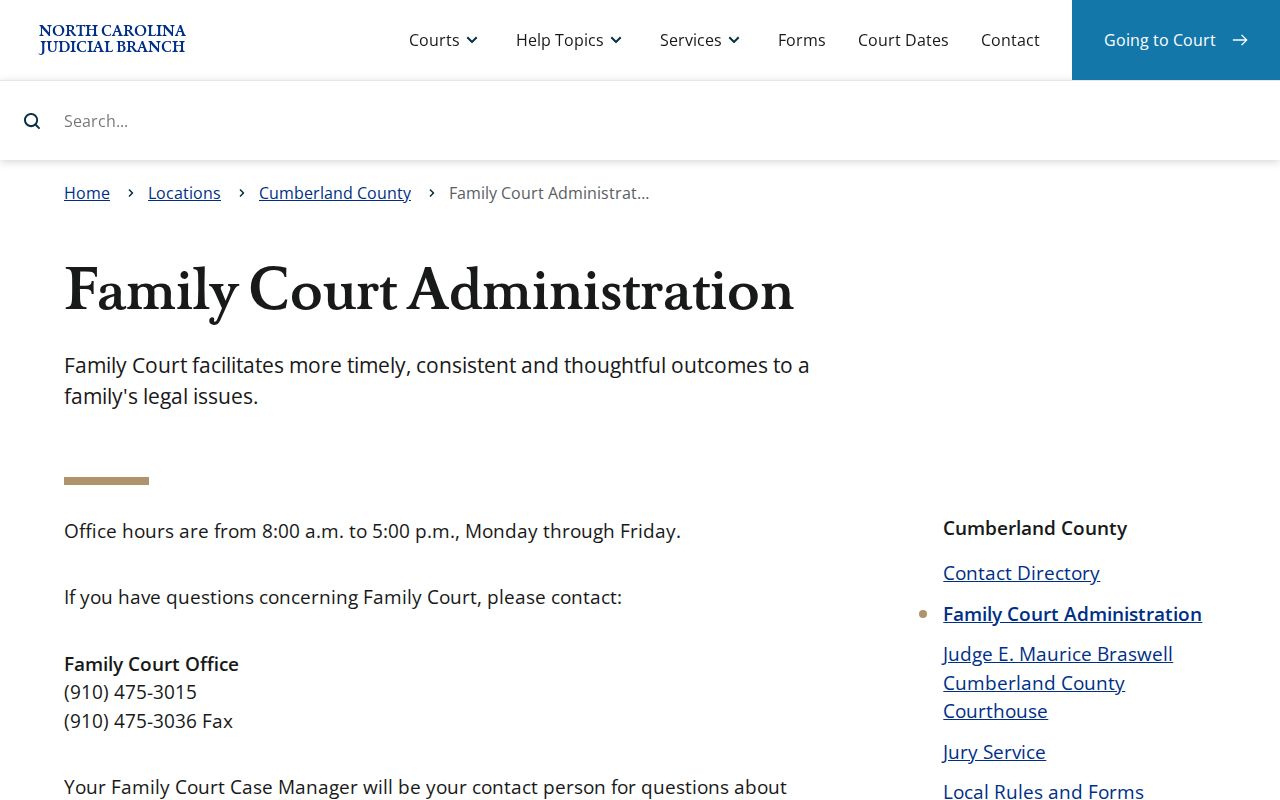
Family matters can carry privacy limits, so a public calendar result may not show every detail that a participant sees through the authorized court process.