
How to Search Cases by Name
Head to the public NC eCourts Portal and open Smart Search. It pulls a public Cumberland case history. No account is needed. The recommended route is Case Number or Party Name. Type the name in the guide's "Last, First" pattern. Run that first query on the name alone. Afterward, open Advanced Filtering and narrow by Cumberland. Case type, case status, a filing-date range, or a supported date-of-birth range can also help. One caution is worth heeding. Skip the Advanced Filtering Party Name option as a stand-in for the default party-name search. Official guidance warns it can shrink results and disable wildcard use.
- Open Smart Search and enter the known party name in the default Case Number or Party Name field.
- Review the initial public return for matching names and case context.
- Expand Advanced Filtering and select Cumberland to focus a statewide name result.
- Add case type, status, filing-date range, or date-of-birth range if an identifying public detail is available.
- Open the underlined record number, then read the Case Summary and current Hearings blocks before relying on a match.
| Search field | Type | Required | Documented use |
|---|---|---|---|
| Case Number or Party Name | Default text search | One initial term | Recommended public starting route for a name or record number. |
| Location | Filter | Optional | Select Cumberland to narrow a statewide return. |
| Case Type and Case Status | Filters | Optional | Available after an initial Smart Search; groupings include Civil Actions, Special Proceedings, Estates, and Criminal Actions. |
| DOB and filing-date range | Date filters | Optional | Use to reduce a broad result. Public results mask date of birth. |
| Search type | Dropdown/filter | Optional | Official support includes business name and other specialized contexts. |
The Cumberland Case Search Starts With eCourts Portal
Cumberland moved onto Enterprise Justice/Odyssey and the eCourts Portal in October 2024. Two layers came with that switch. The eCourts Portal is the public side. File & Serve is the filing side for attorneys and filers. Keep the two straight. File & Serve won't replace a public Cumberland case search. A public-record request to the NCAOC won't get you a case file the county itself holds. For online case information, Smart Search is the right starting point. When you need an official copy of a local record, the Cumberland Clerk is the office to call.
Portal training and resources describe Smart Search and its public Case Summary.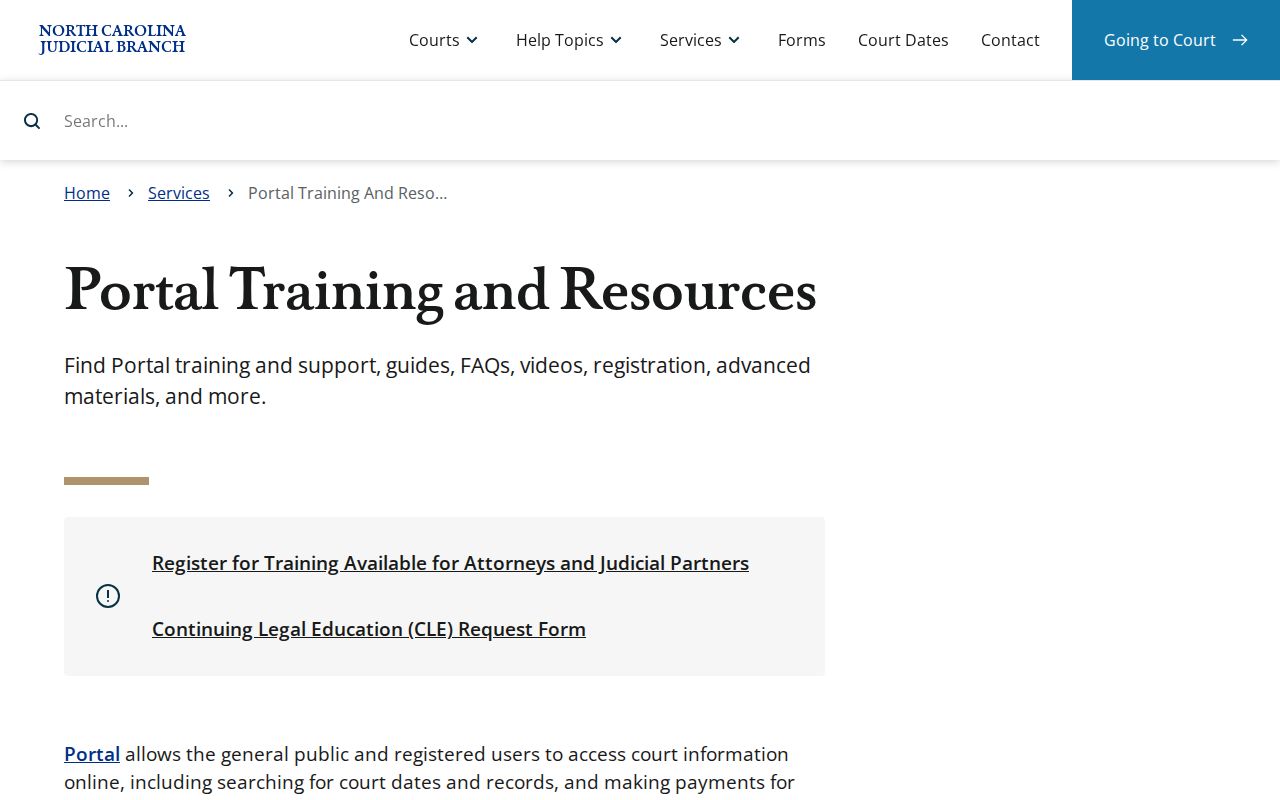
The public Cumberland County eCourts Portal provides a statewide search surface, even though the Cumberland County Clerk remains the custodian of Cumberland’s court case file.
How to Search by Case Number
A case number is the tightest way to pull up a Cumberland County court docket. Enterprise Justice builds every record number the same way. You get a two-digit year, a letter code for the case type, a six-digit sequence number, a hyphen, and a three-digit county identifier. The official training example is 21CR000003-910. That string shows the statewide pattern only. Don't treat it as a live Cumberland County record or guess that its county suffix fits your case. Confirm the actual number first.
Wildcards follow set rules. A case-number wildcard needs at least four characters before the asterisk. Name wildcards need at least three letters of the last name plus at least one letter of the first name before any asterisk. Your docket search may hit the Cumberland County eCourts Portal's 200-result ceiling. Narrow things down with the Cumberland location filter and the other documented filters. Don't assume the record does not exist.
Cumberland Case Lookup Wildcard Limits
Once you know the right county and case context, the documented wildcard minimums are safe to use. Just remember what a wildcard can't do: it broadens a Cumberland case lookup, but it cannot get past public-access restrictions on the court docket.
Four Parts of an Enterprise Justice Cumberland Record Number
Every part of a record number carries a retrieval clue. It holds the year, the case-type letters, the sequence, and the county identifier. The letters can hint at broad record families. The public search result and the Case Information page classify a Cumberland County court record far more reliably than the prefix does, though.
Two codes have documented meaning. CR indicates at least a criminal charge in traffic guidance. IF indicates an infraction only. Beyond those, no county-wide code glossary exists, so don't invent one. Read the Portal's literal labels when you open a public Cumberland County docket entry.
The Judicial Branch court-records help topic identifies the state’s record-access resources.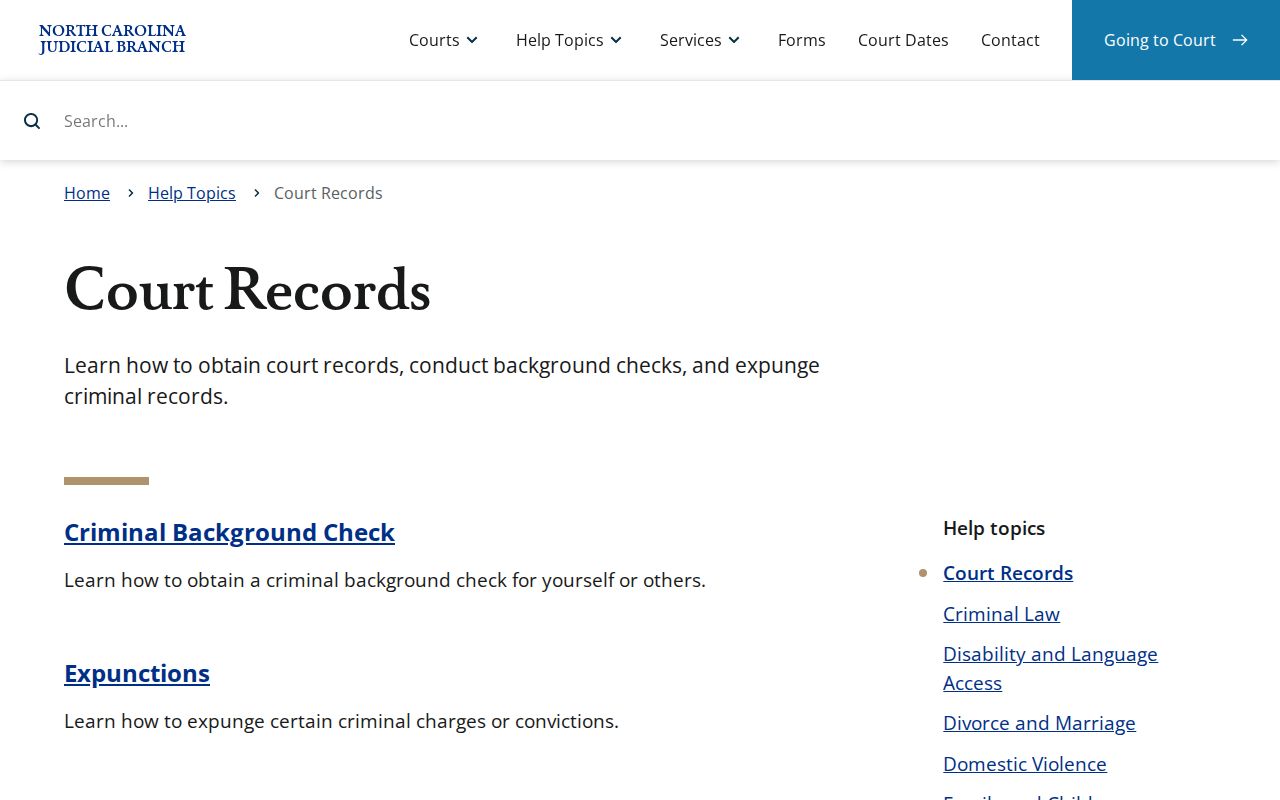
A correctly entered identifier makes the public lookup faster, but it still does not make the portal result a certified court record.
What a Case Search Shows
Smart Search hands back a public Case Summary, also called a Register of Actions. Think of it as a timeline. Start by confirming identity and which court the case was assigned to. From there, work through the parties and the Cumberland case type. Then scan Case Events in date order. The Hearings section gives the current setting. Dispositions and Financial Information deserve their own separate read. Keep one caution in mind. A filing or an event entry does not establish any final outcome. Old records converted before Cumberland's eCourts go-live may show a 12:00 a.m. timestamp. That is a conversion artifact, not a midnight hearing.
| Case identity | Record number, Case Information, case type, and filing information where publicly available. |
|---|---|
| Assignment | Assignment Information, which can help identify division or local handling; Search Hearings can separately search judicial officer or Cumberland courtroom. |
| Parties and causes | Party Information and, for Civil, Family, Probate, or Mental Health matters where applicable, Causes of Action. |
| Case Events and Hearings | The chronological public Cumberland record and scheduled appearances. Search Hearings is the current date and location tool. |
| Disposition, financials, and documents | Recorded outcome, applicable financial data, and available public documents. Processing and restrictions can limit the display. |
When Smart Search Cannot Find a Cumberland Criminal Charge
A criminal docket in the Cumberland County eCourts Portal cannot be searched by charge description. If a charge name is all you have, try another route. Search by party name, record number, or citation number through the supported Search Type. An attorney field, business field, cross-reference, or nickname may also work, depending on the case. Even a clean no-result screen proves little. Spelling errors, the wrong county, a historic conversion, a public-display restriction, or a nonpublic document can all hide a Cumberland court record from view. An empty result is not proof that no record ever existed.
Large document issue: if a public document returns Error Code 141011 because it is too large to open, contact the Cumberland Clerk and ask whether the file can be split. Portal documents are downloaded one at a time, not in bulk.
County vs Statewide Case Search
Cumberland runs no independent public case database that competes with the statewide county system. The eCourts Portal is the statewide source. A docket search there can be narrowed to Cumberland. Local access looks different. It means the Cumberland Clerk's terminals, the paper-file route, and the official-copy process. NC Judgment Search is a second statewide tool built around a judgment index. The Judicial Branch, though, points readers back to Smart Search for the complete Case Summary.
| Statewide online search | Cumberland local record access |
|---|---|
| NC eCourts Portal Smart Search covers supported public state case information and can be filtered to Cumberland. | The Cumberland Clerk holds the local case file and provides public terminals, paper-file inspection, copies, and certification processes. |
| Search Hearings is the statewide current date, time, location, and Cumberland courtroom tool. | Published civil and criminal calendars plus five-floor courthouse displays supplement a local appearance check. |
| NC Judgment Search returns an index with case and judgment context. | The Cumberland County Clerk is the route to verify a signed judgment, certification, or a current Cumberland case-file question. |
Cumberland Case Lookup for Hearing Dates
A Cumberland date lookup works best when you chain the tools together. Pull the Portal result. Match it against the Cumberland Case Summary and the court assignment. Then check the Cumberland calendar, the courtroom, and the courthouse display. The Cumberland County Clerk is the fallback when screens disagree or come up empty. When you need a present hearing rather than full case history, take a different path. Run Portal Search Hearings first. Then compare what it returns against the Case Summary.
The Braswell Courthouse Terminal and Paper-File Backup
Need something the online docket will not show? Head to the Cumberland Clerk of Superior Court at the Judge E. Maurice Braswell Cumberland County Courthouse, 117 Dick St., Fayetteville. You can also call (910) 475-3000. A public self-service terminal there lets anyone search criminal court records by defendant, Cumberland case number, victim, or witness. It also displays civil, special-proceeding, and estate information. When a filing exists only on paper, dates back decades, or must be certified as official, the courthouse kiosk and the staffed records counter are the dependable route for a Cumberland County case lookup.
The Judicial Branch public-record request page makes the custodian boundary clear.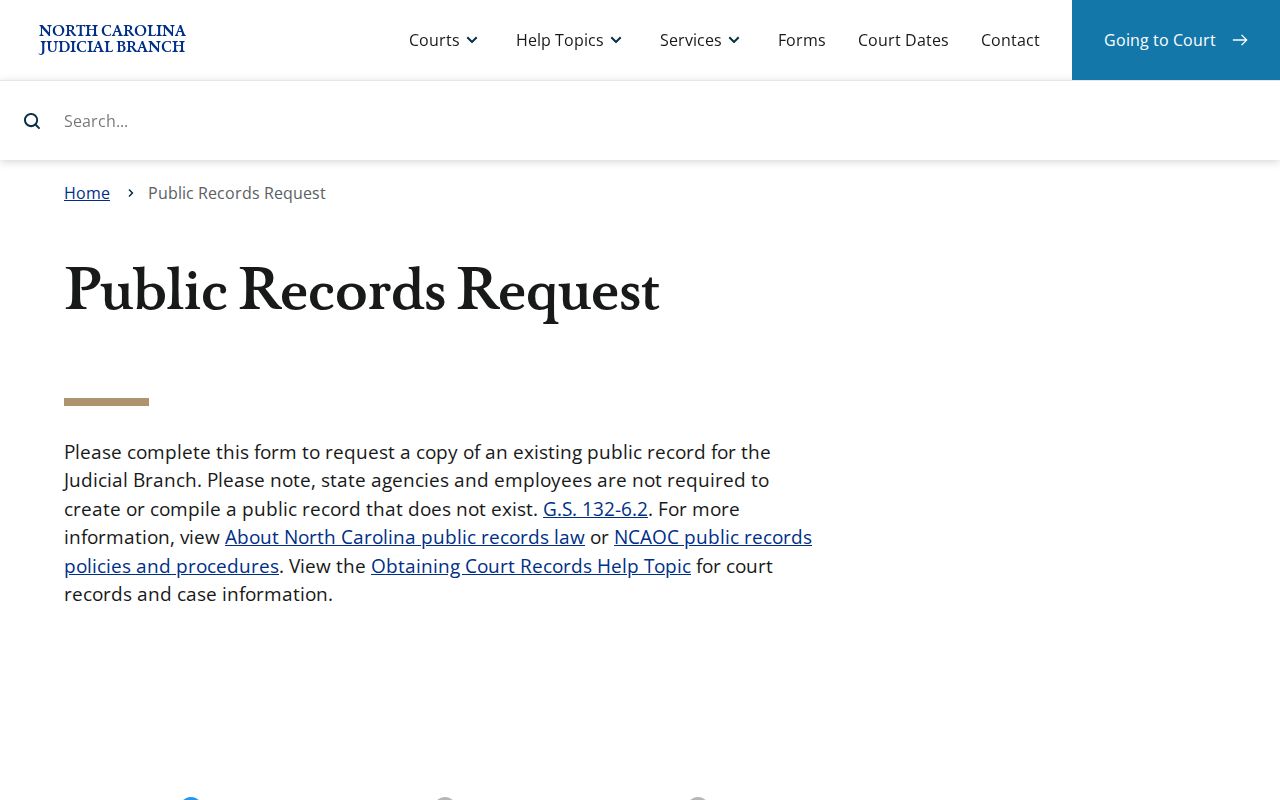
That administrative request channel does not replace a request to the Cumberland Clerk for a court case document or local Cumberland case-file copy.
Restricted Cases and Access Rules
Public access has limits. Juvenile delinquency and undisciplined records stay closed to the public, and abuse, neglect, and dependency matters carry their own confidentiality rules. Once a judge seals or expunges a case, it drops out of Portal for good. Unreturned warrants and portions of protective-order or domestic-violence files face public-display restrictions as well. Portal also masks date of birth and runs no Social Security number validation, so a docket search returns less identifying detail than the paper file holds. A blocked result is not an invitation to work around the rule. Ask the Cumberland County Clerk through an authorized process, and get legal advice when eligibility or a court order is in play. The statutes draw these lines: G.S. 7A-109 sets the general Clerk record-inspection rule subject to prohibitions, G.S. 15A-151 limits expunction disclosure, and G.S. 7B-3000 protects juvenile records.
The Judicial Branch request-a-public-record service page distinguishes case information from clerk-held court documents.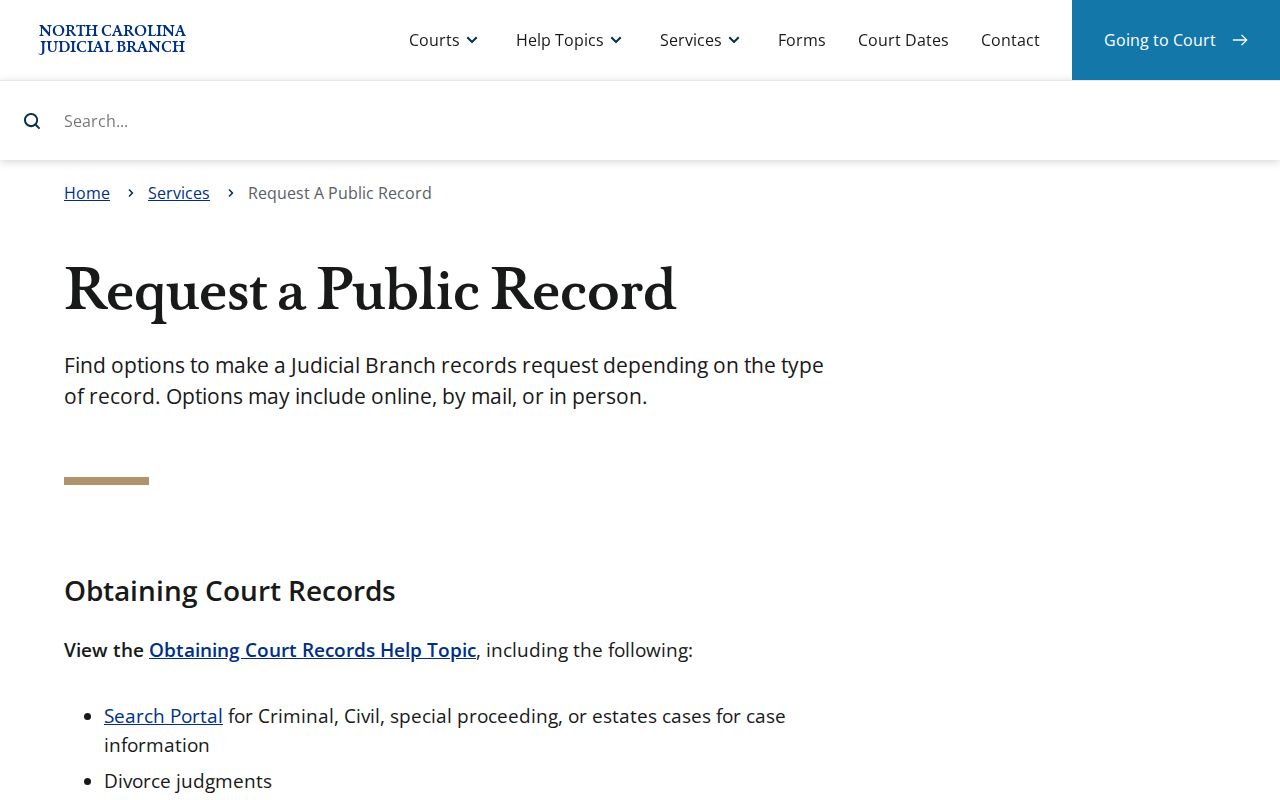
Use the public Cumberland County eCourts Portal for public case information and the Cumberland County Clerk for the proper local record process when an online result cannot be displayed.
Cumberland Case Lookup No-Result Checks
Check spelling, Cumberland location, historical conversion context, and restriction status before trusting a blank result.
Public Registration and Cumberland Case Lookup Limits
Anyone can search anonymously for free. Registering adds My Cases tracking, yet it grants no new right to restricted case content. Elevated access depends on role and statute instead. The Remote Public Access Program sits apart from all this: it is a paid, licensed statewide real-time and extract channel, not an ordinary public case lookup and no substitute for certified copies. For one public Cumberland case, start with Portal Smart Search and fall back to the Cumberland County Clerk, not a data-extract service.
North Carolina’s Remote Public Access Program describes that specialized channel.
Its licensed access model is distinct from the ordinary public Cumberland County eCourts Portal search available for a supported Cumberland case.
The RPA online-access details describe the service’s statewide role.
For a single public Cumberland record or an official local copy, the Cumberland County eCourts Portal and Cumberland Clerk remain the relevant everyday channels.